Create a BIMSpeed account
Use the same account on the website, when buying a license, and in BIMSpeed for Revit. Have an email inbox you can access and your phone number ready.
1. Open registration
Open BIMSpeed registration, or follow Sign up below the sign-in form. Select EN at the top of the form for English.
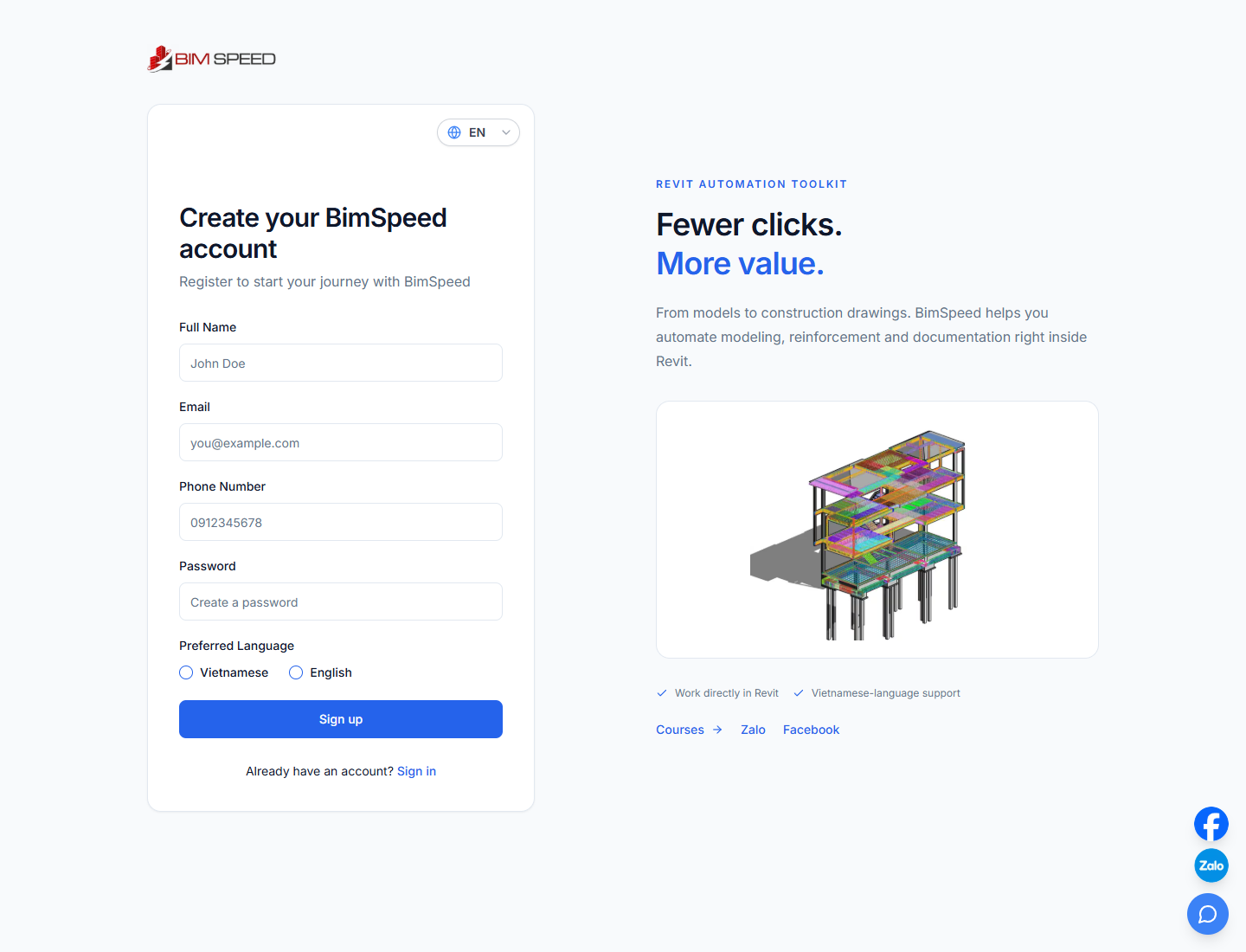
Live website captured on September 28, 2026. Placeholder text illustrates the fields; it is not an account you can use.
2. Enter your details
| Field | What to enter |
|---|---|
| Full Name | Your name to identify the account |
| An address where you can receive messages; check spelling and domain | |
| Phone Number | Your contact number; this field is required for registration |
| Password | A unique BIMSpeed password; at least eight characters is recommended, and avoid reusing your email password |
Use the VI/EN selector at the top to choose the interface language. The form also displays language choices below the password; review your selection before submitting.
Already registered with this email? Use Sign in. If you forgot the password, follow password recovery instead of creating another account to recover a license.
3. Submit registration
- Review your name, email and phone number.
- Click Sign up once and wait.
- On success, the website shows a notification and takes you to Sign in.
- If an error appears, read it, correct the relevant field and retry.
Online purchases grant licenses to the account that creates the order. Use an email you intend to keep and check the signed-in account before paying.
4. Check your email and sign in
- Open the registered inbox and check spam as well.
- If you receive Verify your BIMspeed email, open it and follow its instructions.
- Return to BIMSpeed sign-in.
- Enter the email and password you just registered, then click Sign in.
- Open your profile and check your account details.
The current registration form redirects to sign-in on success rather than displaying a one-time-code entry step. Follow any additional verification instructions the website shows.
5. Download or buy a license
- Download and install BIMSpeed.
- Pay online with Paddle or a Vietnamese bank transfer.
- Recover your password if you cannot sign in.
Creating an account does not mean you have purchased a license. Check your own profile for license status.
Registration troubleshooting
| Situation | What to do |
|---|---|
| Email already in use | Sign in or recover that account's password |
| Form will not submit | Complete name, email, phone and password; check email format |
| Password rejected | Follow the requirements in the error message |
| Connection lost or request timed out | Check the connection and try signing in before registering again; the account may already exist |
| Email missing | Check the address, spam folder and filters; contact support if needed |
| Wrong email or lost inbox access | Ask support for help with the account |
Use chat on the website or hoang.tran@bimspeed.net. Include the account email and error screenshot, never your password.