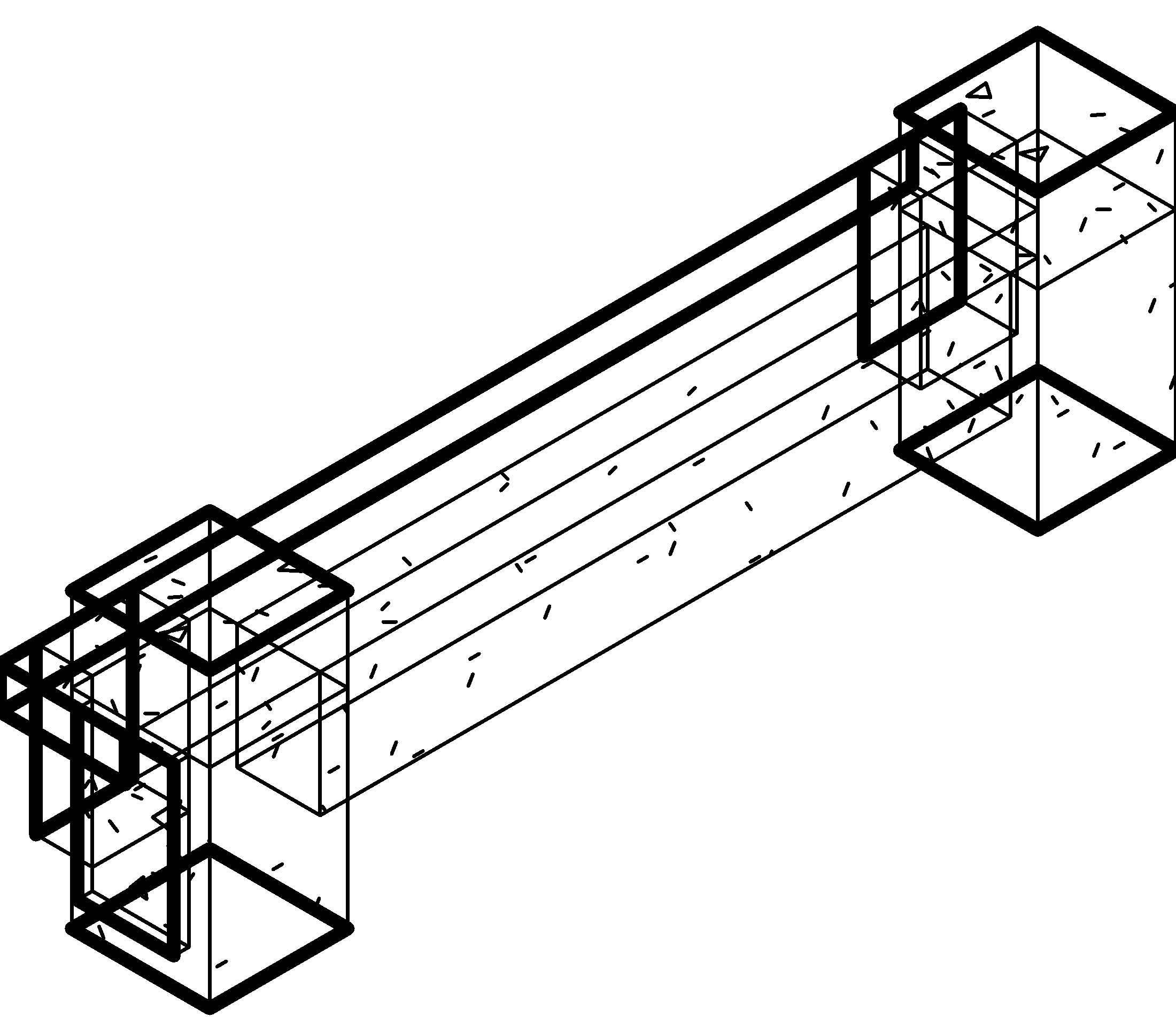
Align beams to slabs — Beam To Slab
The tool adjusts beam endpoint elevations against selected slab faces. It does not create slabs from beams. Open it, select the intended beams and target slabs, choose the reference face and Detail mode, then OK.
Evidence scope: Production Action was invoked on the copy: beam 427351, floor 427263, Top/Normal; both beam-axis endpoint elevations changed from 7200 to 10800 mm. Installed selection/OK interaction was not exercised.
Captured inside maximized Revit 2027.3; each tool retains its own dialog size. Interface and behavior can differ between installation versions.
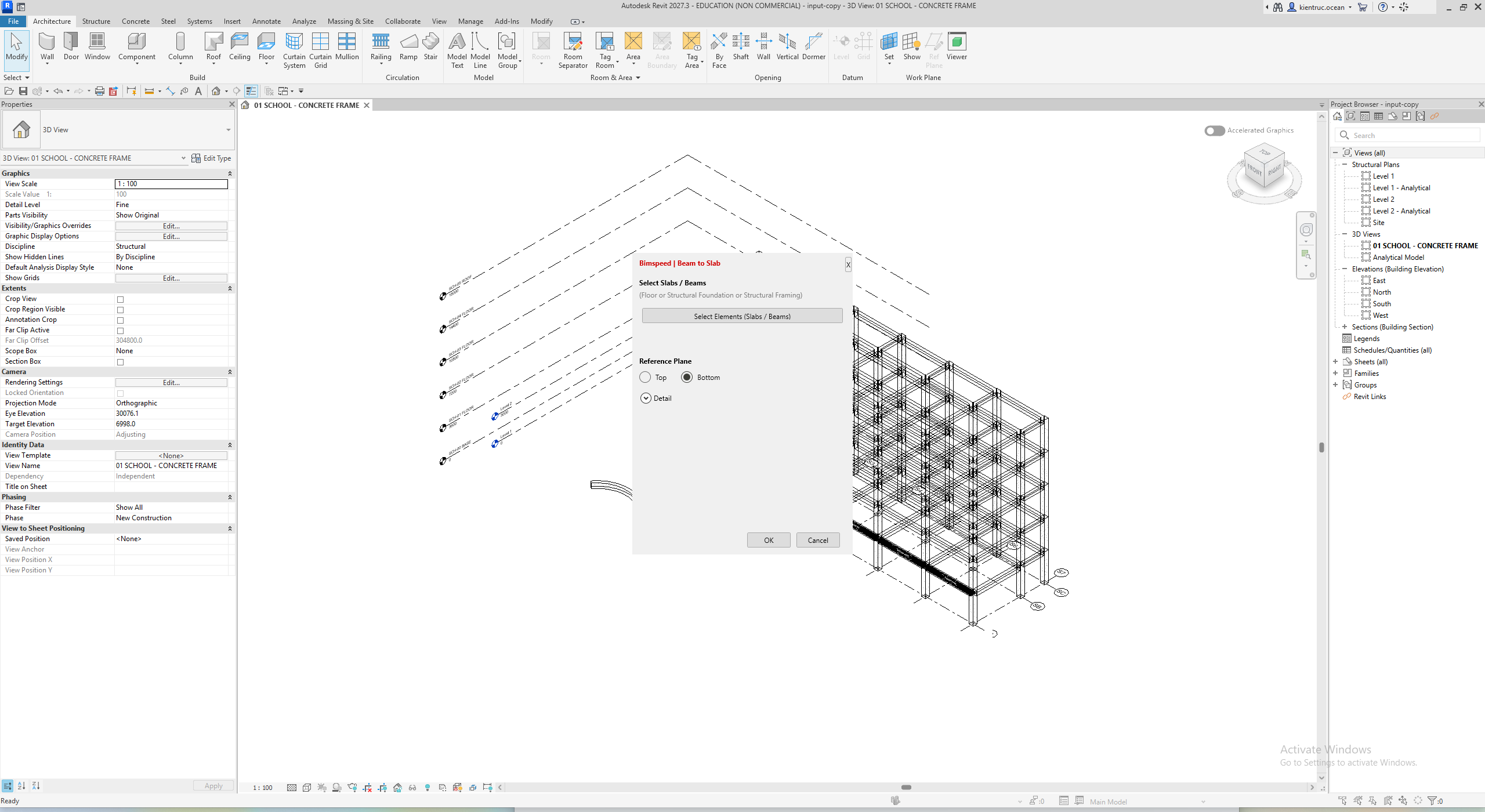

- Select Elements (Slabs / Beams) hides the window for Revit picking; select the beams and intended target slab, then Finish.
- Choose Top or Bottom. Expand Detail for Offset Limit, Normal and Horizontal; that group is collapsed in this image.
- OK applies the adjustment to eligible selected pairs; Cancel leaves the tool. Inspect the model when the window hides.
Every setting and action
| Control | Effect and verification |
|---|---|
| Select Elements (Slabs / Beams) | Select both beams and target slabs; check selection counts. The projected beam midpoint must lie on the slab face. |
| Beams / Slabs selected | Selection counts, not successfully modified-element counts. |
| Reference Plane — Top | Use the slab top face when calculating beam endpoint offsets. |
| Reference Plane — Bottom | Use the slab bottom face; account for slab thickness when comparing Top. |
| Detail | Expand mode/offset controls; the detail image records the expanded group. |
| Normal | This mode updates Start Level Offset and End Level Offset. Inspect both endpoints. |
| Horizontal | This mode also handles Cross-Section Rotation and projection; a separate runtime case is unverified. |
| Offset limit | Default 3000 mm. This checks the slab's Height Offset From Level, not beam-to-slab distance. |
| OK | Dispatch the model action through ExternalEvent; inspect geometry and use Undo if the target slab was wrong. |
| Cancel / X | Close the window; selection counts are not movement results. |
Select scope and compare before/after
- Open a model copy, show the relevant storey and choose Beam To Slab. Click Select Elements (Slabs / Beams), pick one beam and its target floor, then Finish. The reviewed handling covers Floor and Structural Framing; the hint mentioning Foundation does not verify every foundation as a Floor host.
- Check beam/slab counts when the window returns. Additional picking can append to the current lists; for a completely different scope, close/reopen and select again. One target slab per run avoids processing one beam against several slabs in sequence.
- Choose Top/Bottom and expand Detail. Offset Limit =3000 mm checks the slab offset from its own level; it is not a3000 mm beam-movement limit. The example's3600 mm move therefore does not demonstrate that this limit was bypassed.
- Keep Normal for the baseline comparison. Press OK, reopen the 3D/section view and inspect Start Level Offset / End Level Offset, reference level and both axis-end elevations. Do not compare concrete-face measurements directly with axis elevations.
- To compare Bottom with Top, return to the unmoved input and inspect the reference face. Horizontal also addresses cross-section rotation for sloped slabs; no separate result for it is verified here.
For an unsuitable position, Undo Move Beam on the copy and select the scope again. Save As a separate result to compare both beam ends against the input. Closing the tool is not a replacement for saving the RVT.
Captured states
The practice case selects one target slab; the 3600 mm shift belongs to that specific element pair. Do not select every storey and assume nearest-slab matching: the command processes valid slab/beam pairs. Compare axis elevations and Start/End Level Offset; these are not concrete top-surface elevations. Preserve separate input/result files.
Input/result practice models and log. The result also retains the instructional Arc host from the failed Curved case; it is not a successful curved reinforcement result.