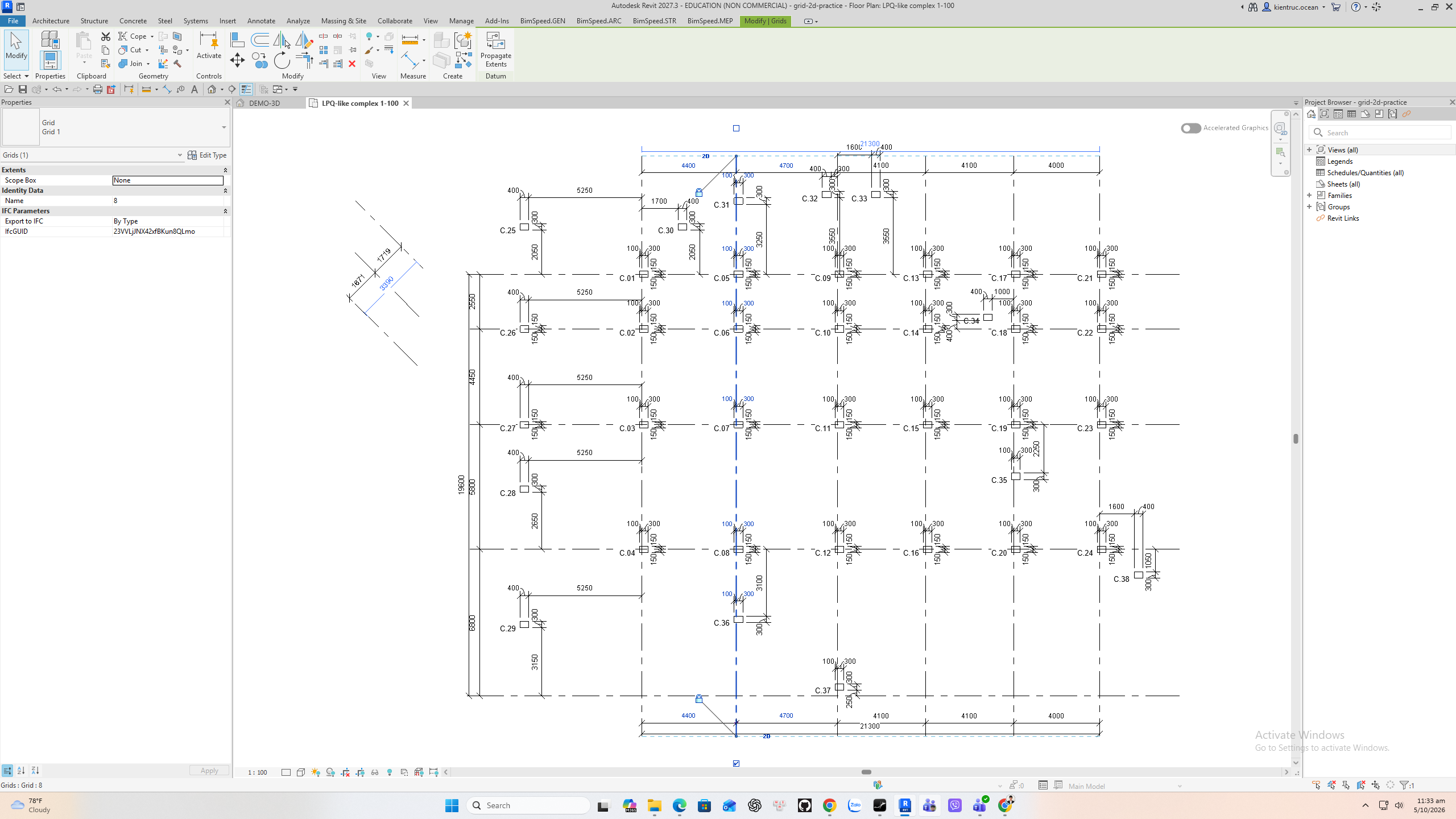
Grid 2D — View-Specific Extents
English Revit 2027.3 demonstration. Verification: Active-view 2D extent control verified.
Video
Narration: Google Gemini Charon, professional English. The video retains the full Revit screen, briefly zooms on named controls, and includes timed English subtitles. Transcript · SRT.
1. Open a view with visible grids
Open a plan or 3D view with model grids visible. Grid 2D acts on the grids in the active view and opens no settings dialog. Choose a view in which the 2D end positions are easy to inspect.
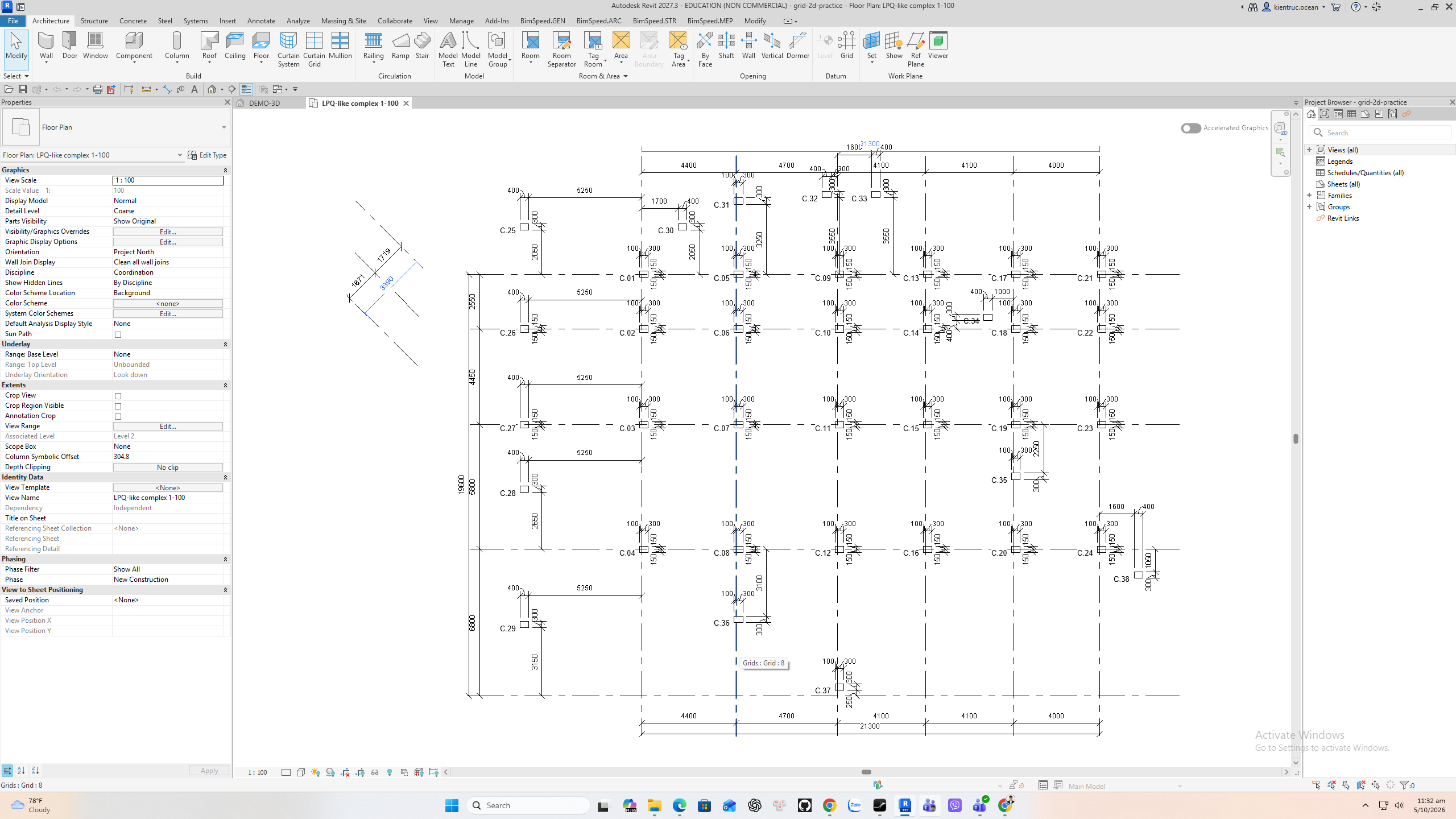
2. Run Convert Grid 2D
On BimSpeed dot G E N, open Grid slash Level and choose Convert Grid 2D. The command converts grid end extents in this view to Revit view-specific 2D controls. It does not make a second grid element.
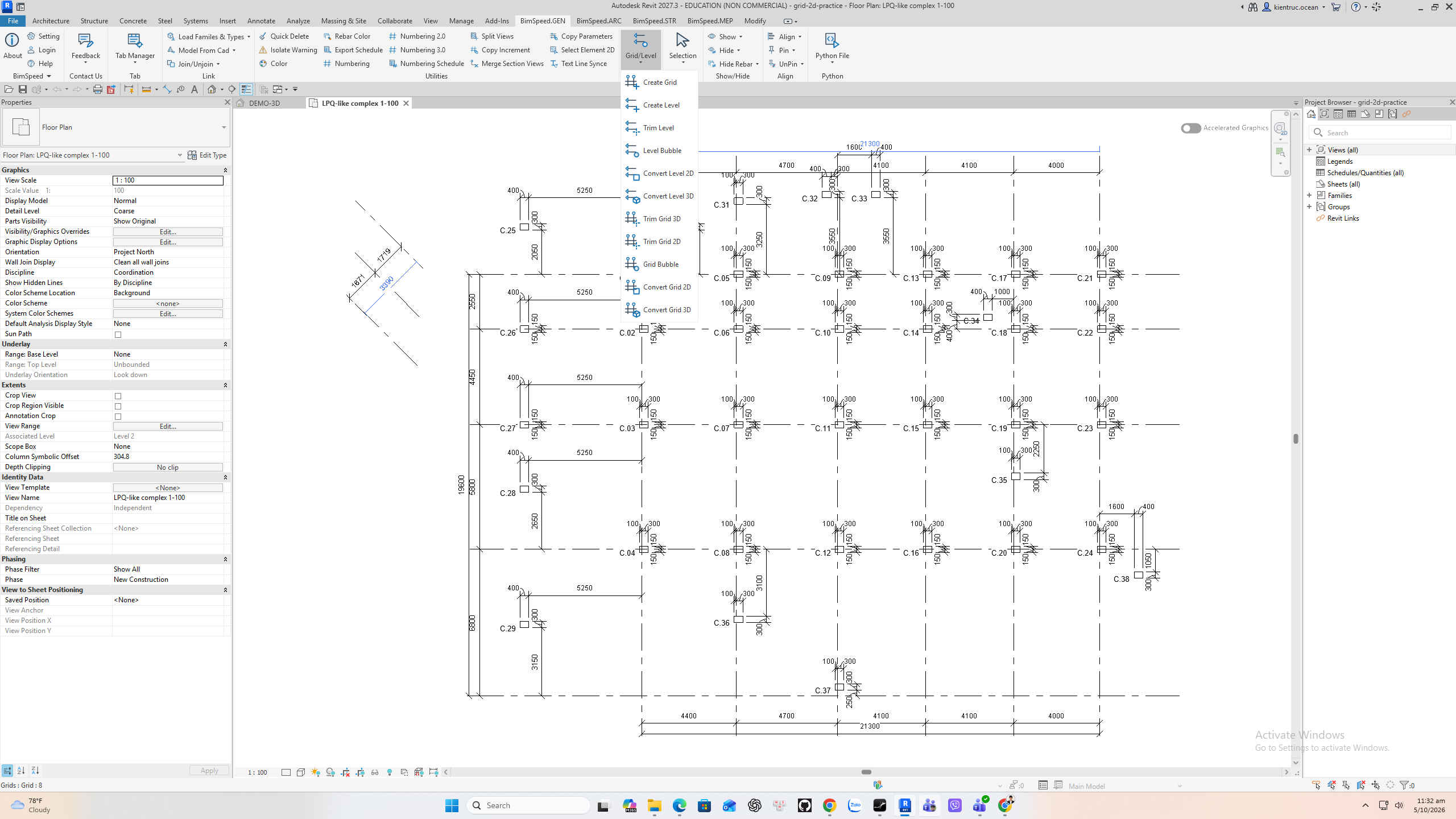
3. Verify the end controls
Select a grid after the command. Its end control shows 2D, which means the extents can be adjusted for this view without moving the global datum. Move a 2D end only where needed for a clean drawing, then save the R V T.